Acrobat vs AeroLift: Which One Hides Your Projector Better Without Losing Performance?

You know that feeling when you walk into a room and there’s a big projector just hanging there? Wires showing, looks a bit bulky… ruins the look, doesn’t it?
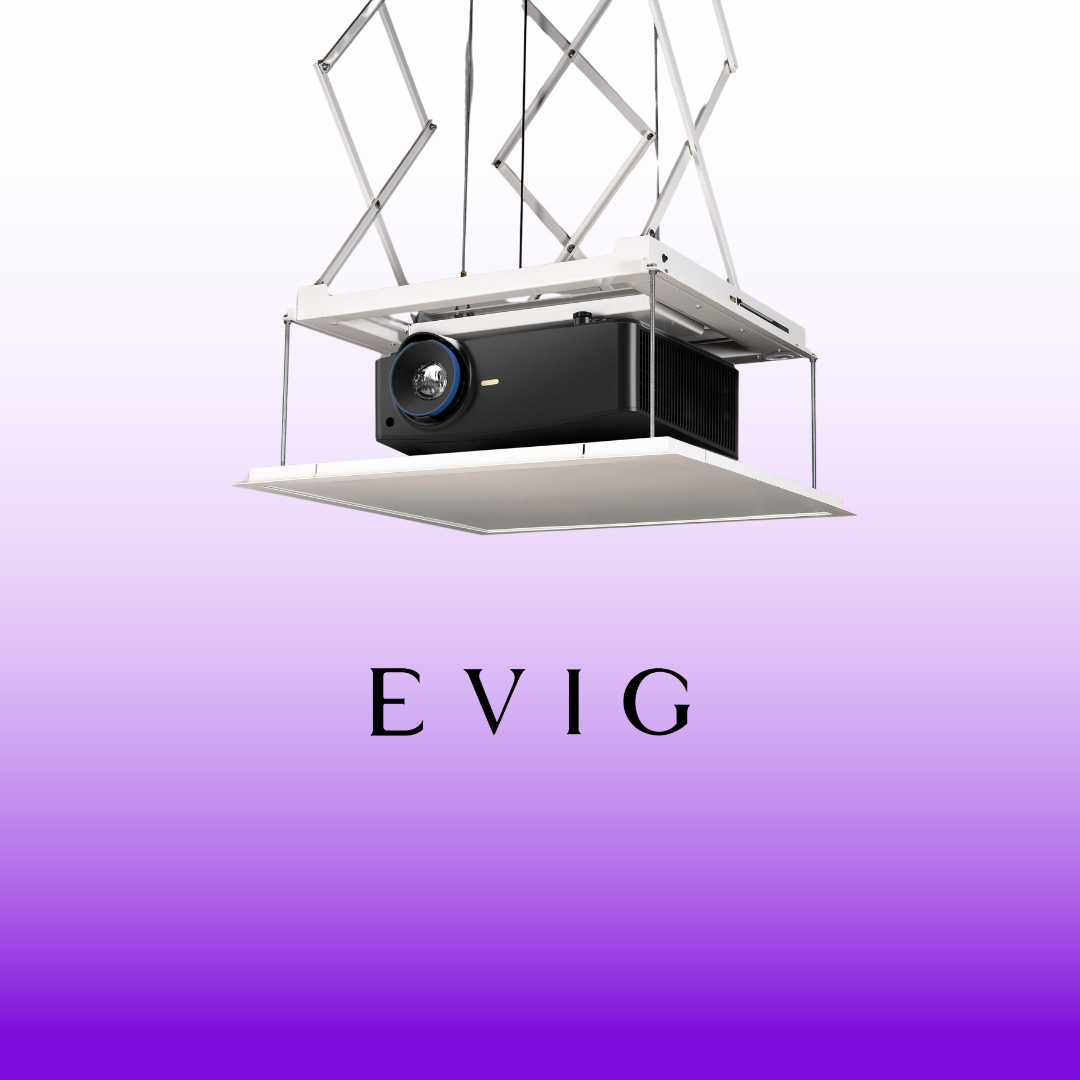
Now imagine this instead—there’s nothing in sight. You press a button, and the projector gently comes down from the ceiling or pops out of a table. It does its job, and when you’re done, it quietly goes back in. Neat and clean. Just how it should be. That’s the kind of setup people want these days—clean, smooth, and smart.
That’s where Draper projector lift systems step in. The two main options are Acrobat and AeroLift. Both are solid. But they work in different ways. Let’s talk simple and figure out which one does a better job of hiding your projector.
What’s the Deal with Draper Lifts?
Draper makes lifts that tuck your projector away when it’s not in use. Then, with a push of a button, the projector comes down ready to go. Simple. Smooth. Useful.
And if you’re using a Draper projector screen, adding a lift makes the whole setup look even better.
Meet Acrobat – The Furniture Hider
The Acrobat is for those who don’t want to drill into ceilings. It’s made to fit inside tables, cabinets, or other furniture. The projector sits inside the furniture and pops up when needed.
Why go with Acrobat?
- No need to cut the ceiling
- Works well in meeting rooms or fancy offices
- Keeps the projector entirely hidden inside a table
- Easy to control using a switch or remote
- Good choice when ceiling space is not an option
Acrobat is great when you want the projector to stay low and entirely out of sight.
Meet AeroLift – The Ceiling Hideaway
The AeroLift hides your projector up in the ceiling. It’s like a secret trapdoor that opens when you need it. Perfect if you want your ceiling to look clean, with no tech in sight.
Why go with AeroLift?
- Stays hidden in the ceiling
- Comes down smoothly when in use
- Makes your room look sharp and clutter-free
- Keeps cables and wires out of sight
- Great for classrooms, home cinemas, and event halls
If your ceiling has enough space above it, AeroLift gives you that “wow” factor every time it lowers the projector.
Quick Look: How They’re Different
| Feature | Acrobat | Aerolift |
| Hides in | Furniture (like a table) | Ceiling Space |
| Best For | Offices, boardrooms | Cinemas, classrooms |
| Looks | Invisible in furniture | Invisible in ceiling |
| Control | Remote or wall switch | Same- easy control |
| Setup | No ceiling work needed | Needs ceiling access |
Where Can You Use These?
These lifts fit well in a bunch of places. A few examples:
- Meeting rooms
- Office boardrooms
- Lecture halls
- Hotels
- Museums
- Churches
- Home theaters
If you want your projector to stay hidden when not in use, both Acrobat and AeroLift do the job well—you need to pick based on where you’re installing it.
How to Choose the Right One
Still confused? Use this simple checklist:
Pick Acrobat if:
- You already have a table or cabinet
- You don’t want to cut into the ceiling
- You want something that fits into your current furniture
Pick AeroLift if:
- You want a clean ceiling look
- You’re okay with ceiling installation
- You want your projector to lower from above
Not sure what fits your space? Just talk to Evig, an audio video solution provider in Dubai. They’ll make it easy.
Before You Install, Keep This in Mind
A few tips to avoid trouble later:
- Make sure your projector’s size and weight match the lift
- Don’t let wires hang around—keep them neat
- Leave enough room around the lift so it can move freely
- Don’t mess with factory settings—call a pro if you need help
- Always close the lift when you’re done using the projector
Installation Tips – Keep It Simple
Here’s how to make setup easy and stress-free:
If you go with AeroLift:
- Install before doing the ceiling work
- Check ceiling space carefully
- Use the right brackets
- Keep the lift clean and check once a year
If you go with Acrobat:
- Pick a solid table or cabinet
- Make sure it’s the right height and position
- Tuck the wires neatly inside
- Place the projector where it faces the screen properly
Need help setting it all up? Call Evig, an audio video solution provider in Dubai—they’ll sort it.
Final Thought
Both Acrobat and AeroLift do the same job—hiding your projector and keeping things neat. The difference is where they hide it. Acrobat goes into furniture. AeroLift goes into the ceiling.
Pick the one that fits your room and makes your life easier. Either way, Draper projector lift models are built strong, run smoothly, and last long.
Still not sure? Let Evig in Dubai help. They know this stuff inside out and will get you sorted without the headache.